
My Piece Set
I will be sharing the piece set I use.
Hello everyone! Recently, I published my first ever blog (and my most controversial), which was a guide on how to play the middlegame, and I got some requests to share the piece set I use. So, today I will be showing you how to use my piece set on Lichess.
Note: This piece set is made by my brother. He also calls the set as 'Boardflat'. All credits to him.
First, go to this link.
https://chromewebstore.google.com/detail/custom-chess-pieces/ojgpnklmeindgkfapeachbhfblejacpb?hl=en
This is an extension that you should install to chrome. Here are the pieces. (Go down for next instructions.)
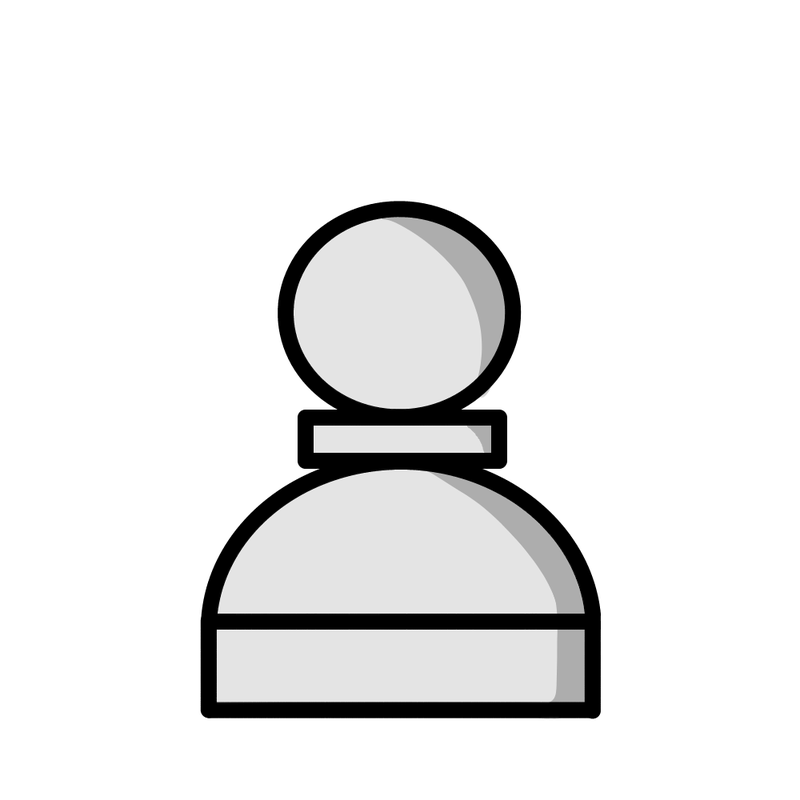
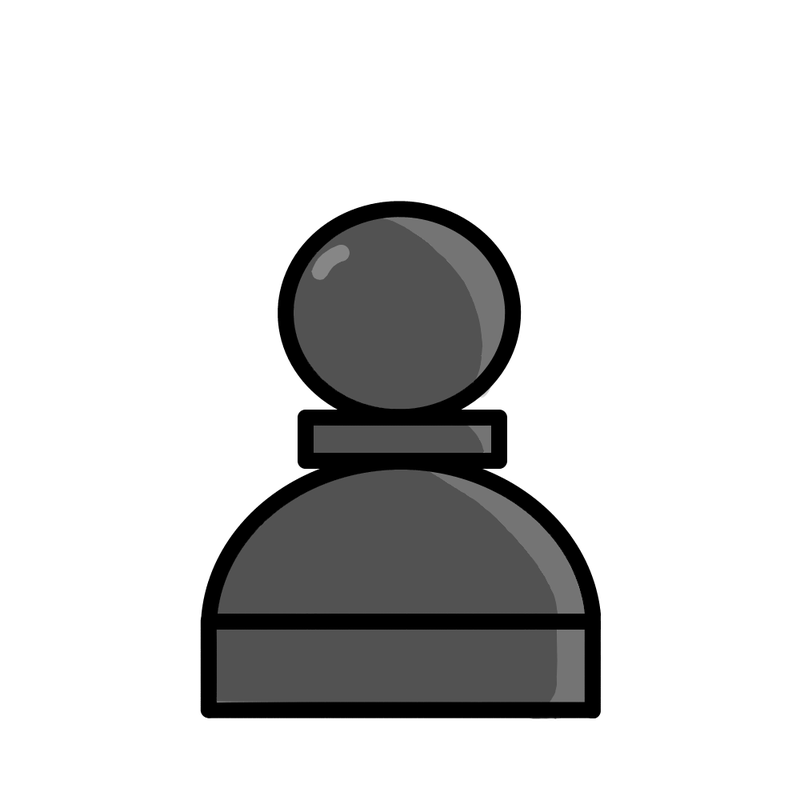





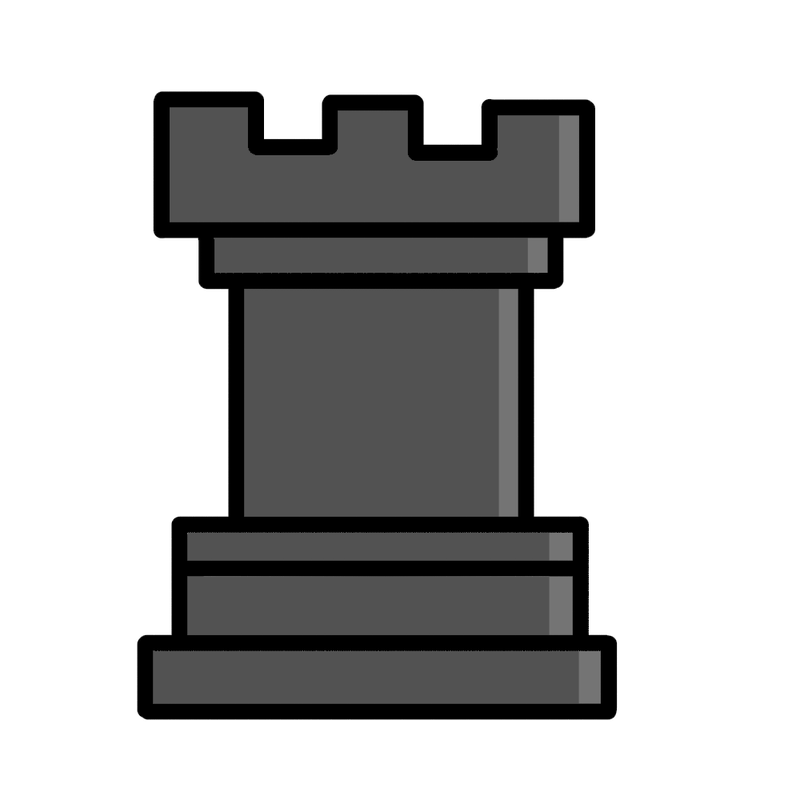




Now, right click on all of these images and click on 'Save image as...' and save them.
Optional: Name the pieces what they are, for example, 'White Queen' or 'Black Bishop'. And make a folder for them for neatliness.
Now, go back to Lichess and click on the extension. Then, click on 'Set Image' and set the image correspondingly. And, if you want, you can click on 'Download Profile' so you can easily switch between sets (if you use any other ones.)
Now, unfortunately, you can't get the board exactly how it is in my blog because it was made on chess.com with a different extension.
But, you can get a cool-looking board similar to mine! Here's how to do it.
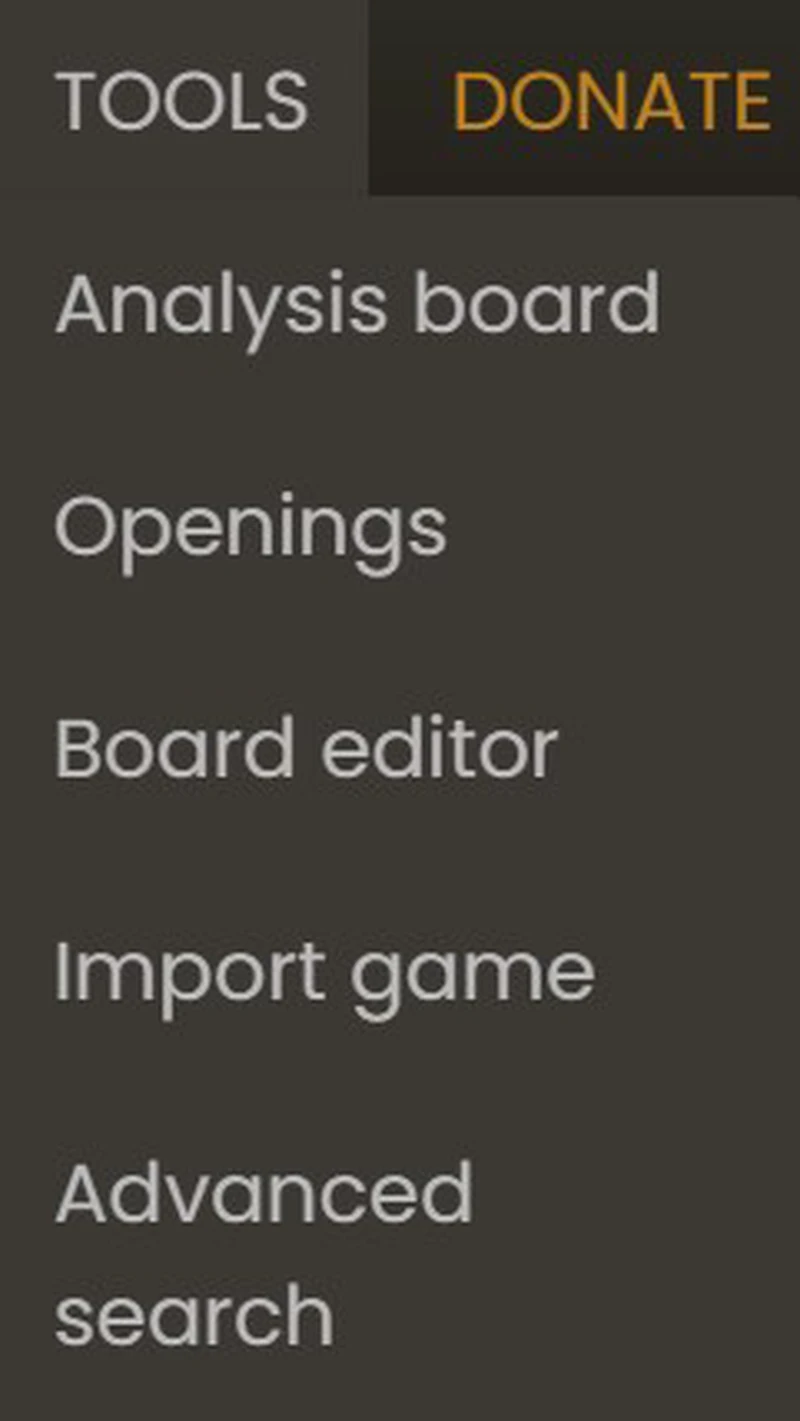
Go to the 'TOOLS' section,

Click on 'Analysis Board'
Now,
Click on your name in the top-right corner.

Now click on 'Board'
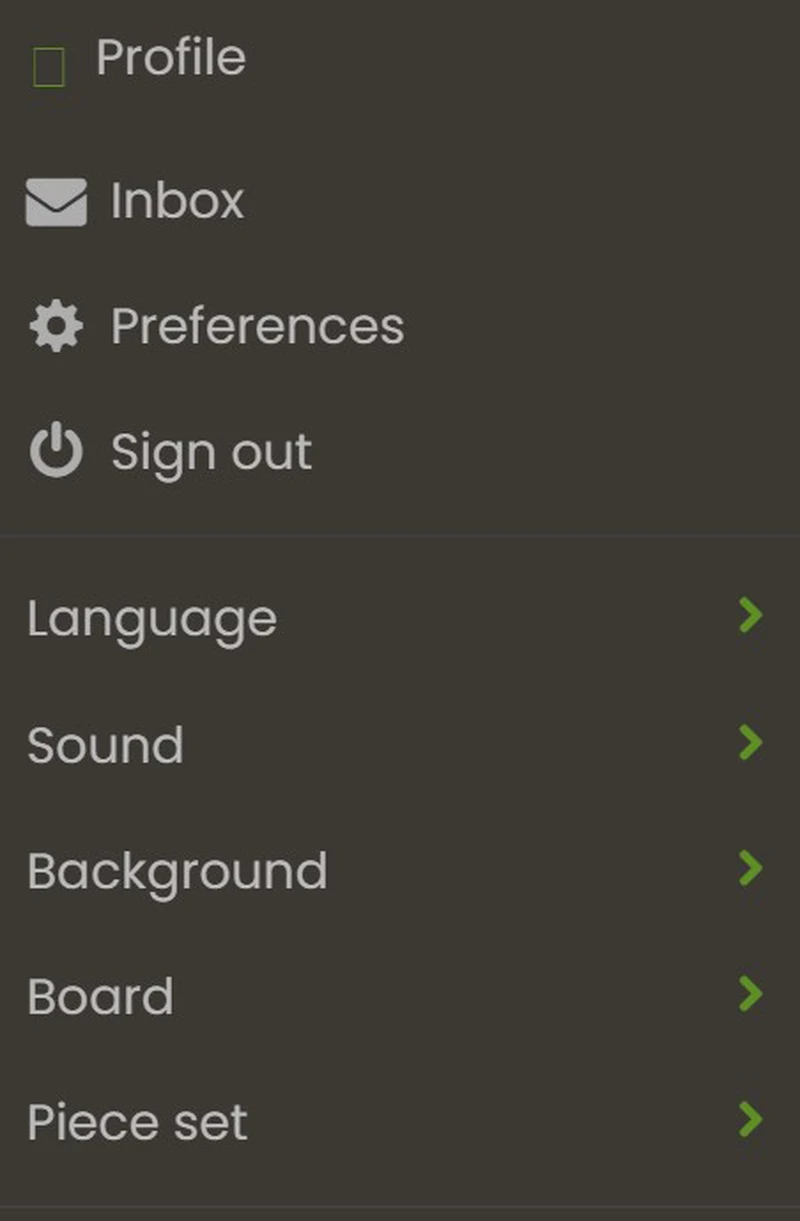
ignore why the profile's logo is gone
Now, set your color to the last one.
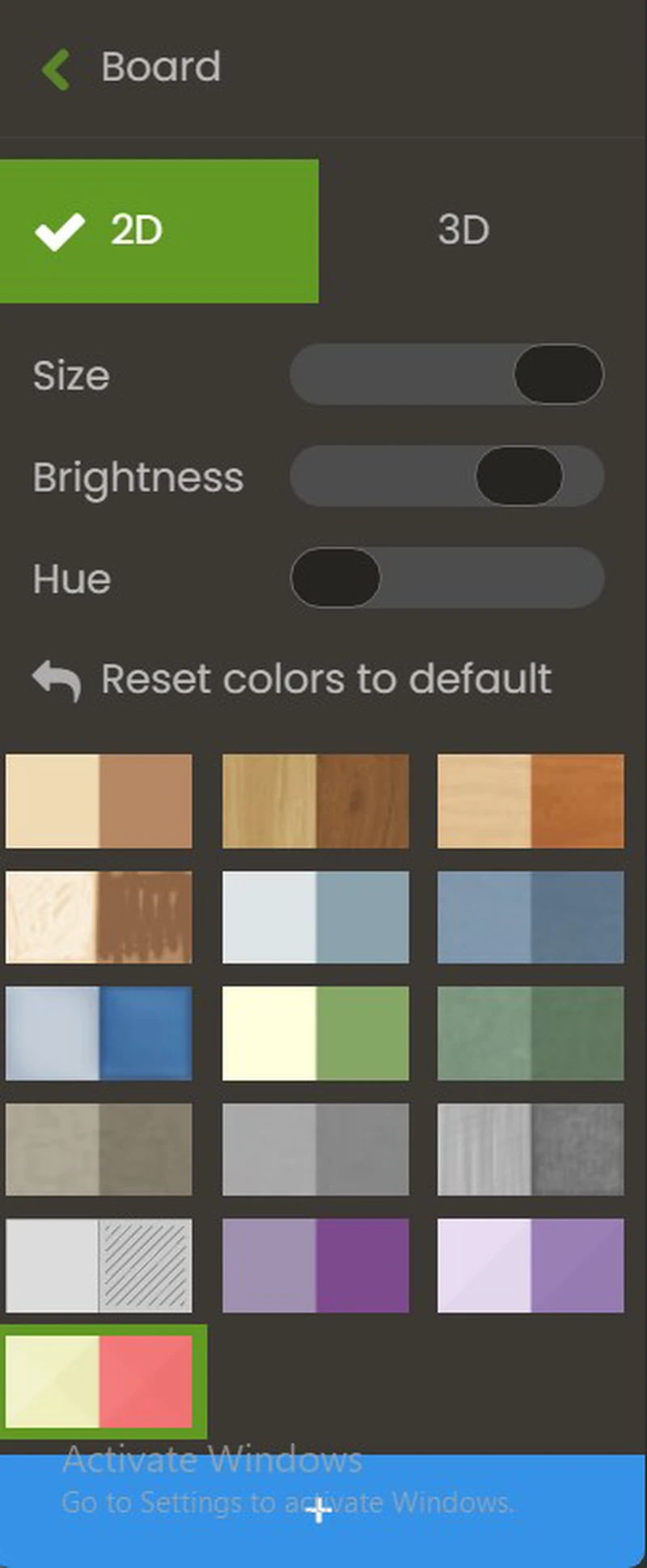
And, you can set your hue and brightness shown in the picture!
Here is how it should look.
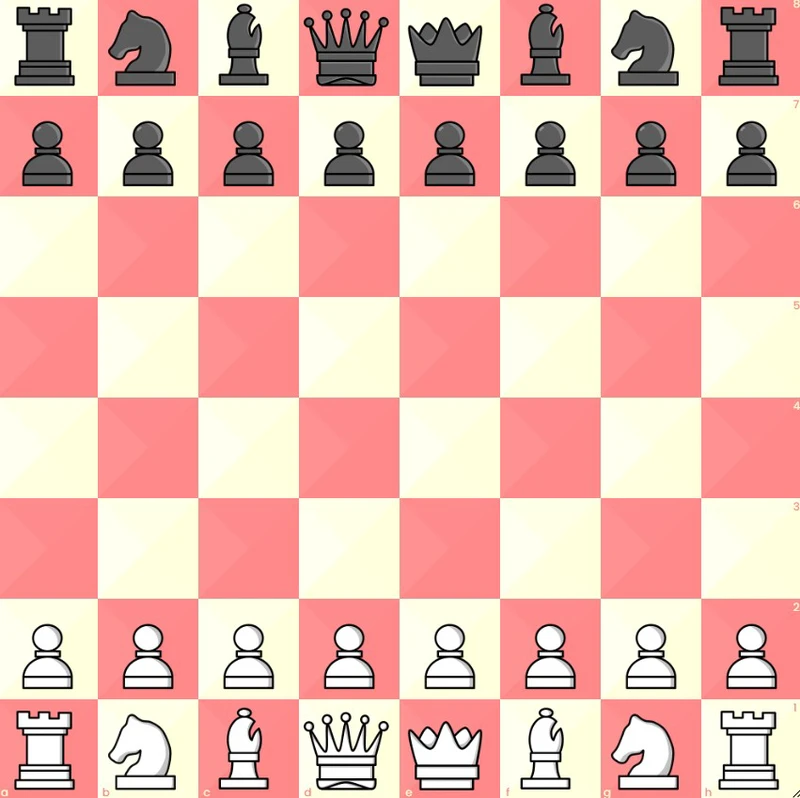
Woah this blog is reaaaaally image heavy I just realized.
And that, my friends, concludes our lesson! Feel free to let me know your opinion down in the comments below!
Note: This set is made ENTIRELY by my brother. It is also named by my brother. All credits to him.
You may also like
 AmaanAnooj
5 Tips on how to generally improve at Chess.
This blog gives you 5 tips on how to generally improve at Chess. AmaanAnooj
Unhinged Puzzles #1
This blog will show you some unhinged puzzles! Be ready! AmaanAnooj