I MADE LICHESS LOOK EVEN MORE BEAUTIFUL
You saw me in my previous blog to convert lichess's simplistic design into chess.com ish feel... well I MADE IT TO GO EVEN BEYOND THAN THAT!!
Please check my previous blog to know how to install this setup...
Here is the link of my previous blog to get started....
Or just install the Prettier lichess extension and listen just as I tell...
You installed the extension and made the customisations as I told? very good!! Now listen carefully
There is a problem in the previous setup ( I mean my previous blog), like the problem that arises mainly is that when we gain rating point we should see the green color indicating our succes! But the green color was missing in the whole interface....now u can argue that, Anupam!! just change the primary color to green!!
Good very good! try it yourself!! the problem arises that... Play with computer, play with friends, create a game this options becomes very very fade infact in somepoint they even start to look inconsistent!!
That is why I tweaked around with those settings and made a final version of the interface using the OG!! Prettier lichess extension That not only resembles with chess.com's interface, but also it literally feels Chess.com ish....
And I am telling you if you are a Hikaru fan at the same time you also love Gothamchess, You will love this new customisation...
Okay lets first see the final product...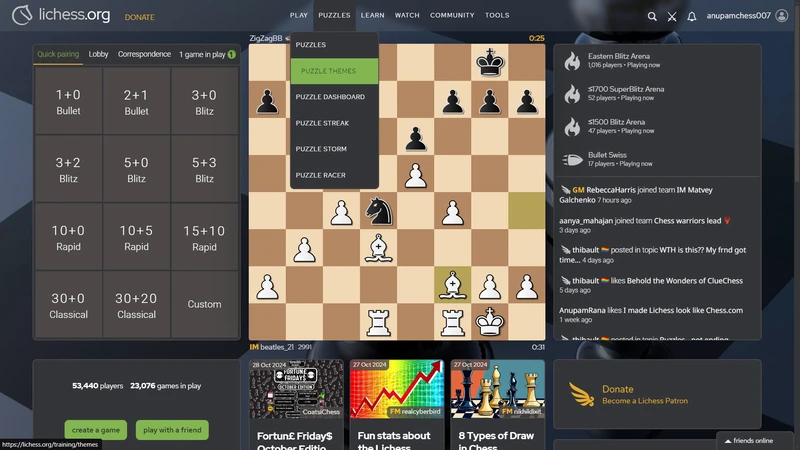
Look we got the chess.com glass theme background...like hikaru
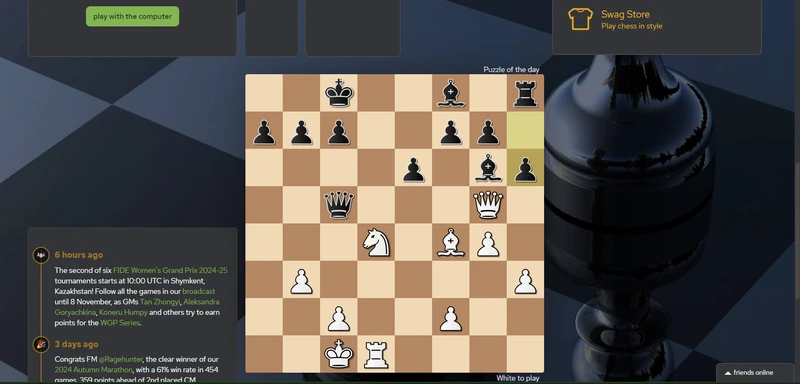
also we got the chessboard like Gothamchess...
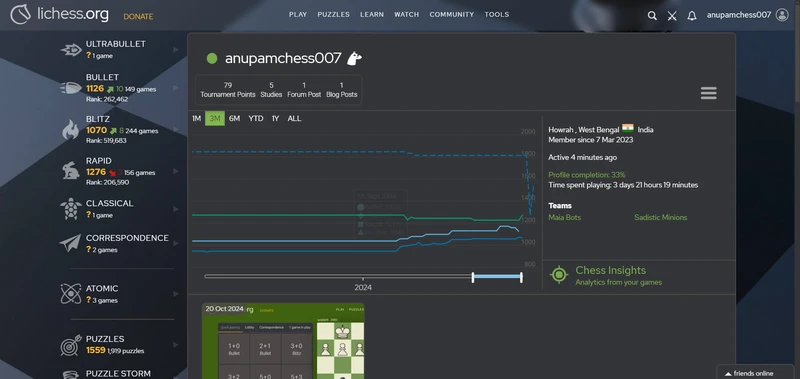
may be it is looking somewhat dull but...u will feel the resemblance of chess.com once u customise it just as I tell...
Let's customize it
I think you already know lichess have an option to set custom pictures in it's background but the condition is it should not be a local file!
Anyway I will still tell you how to change it...
But first I want to tell you If u use lichess in chrome then U have to change the background image in an another browser whether it is in PC or u can do it with you Mobile too just in mobile, u have to use the website version of lichess, this is because Prettier Lichess Extension does not allow to change the background image!! but If u change it in an another Browser then it gets fooled!!
Ok so use your phone for most convinience and go to Lichess.org in chrome (It can not be done via the app only website)
Now switch to desktop site...
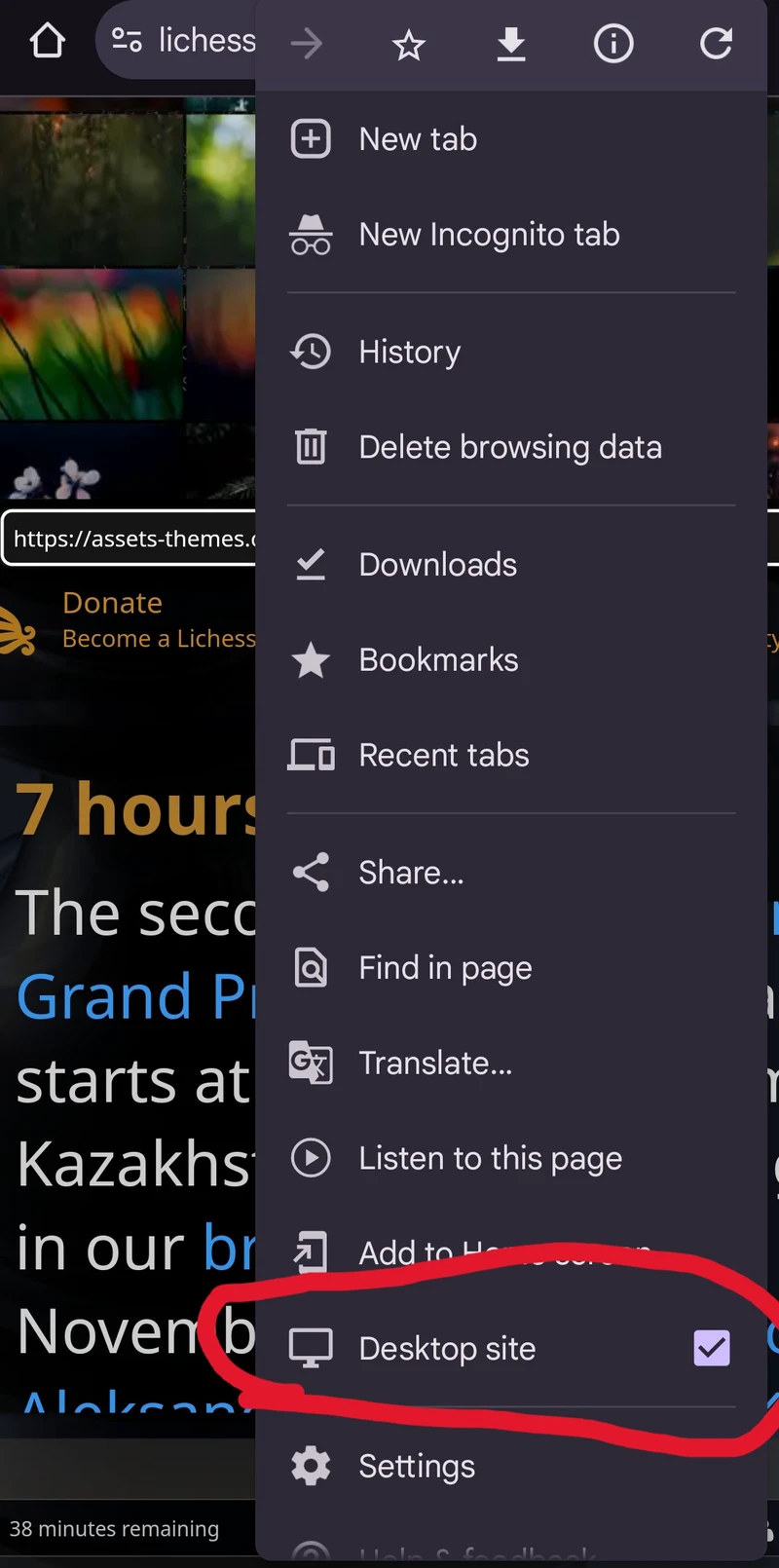
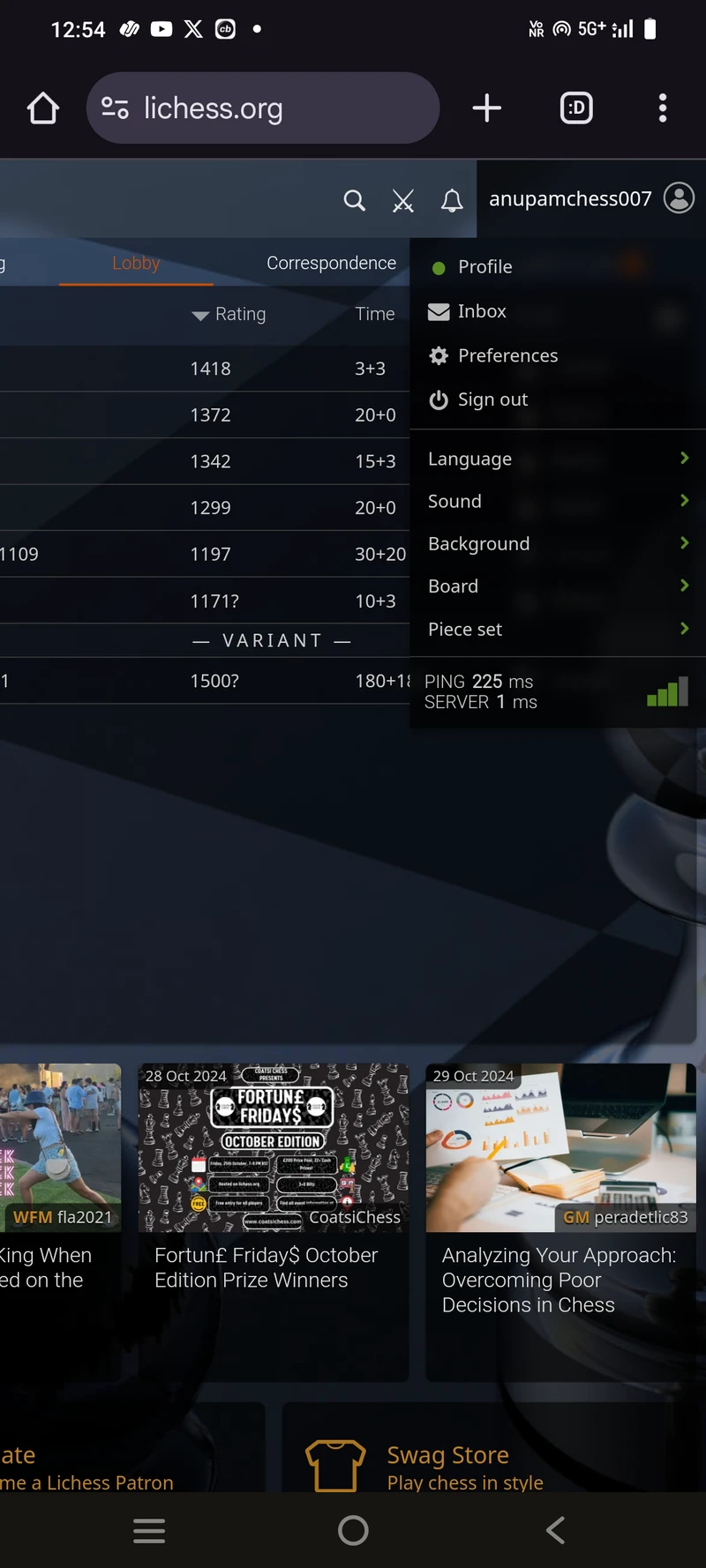
tap the background option here
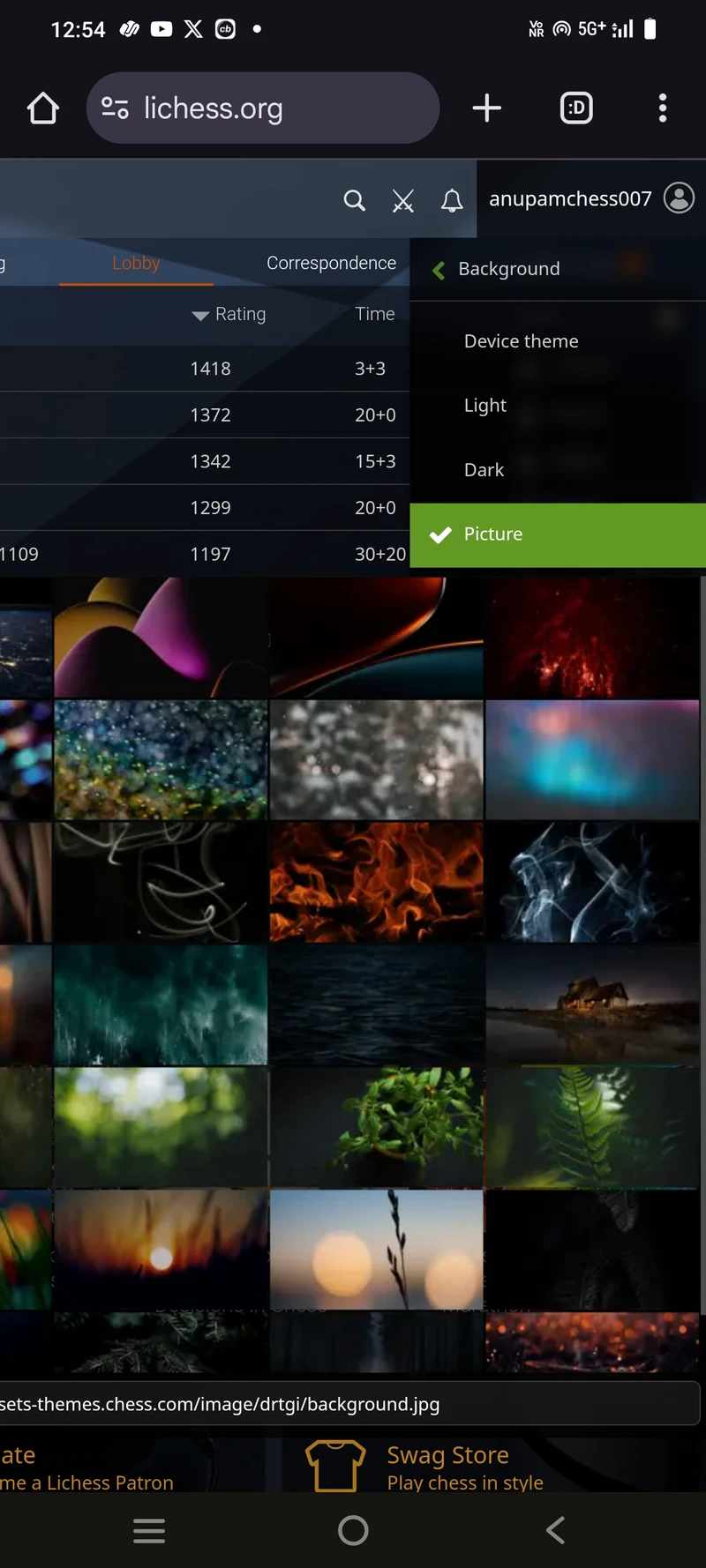
now here!! u have to select picture and then in that image URL you have to use - https://assets-themes.chess.com/image/drtgi/background.jpg
this url above.....now we are done with phone....now lets come back to PC!
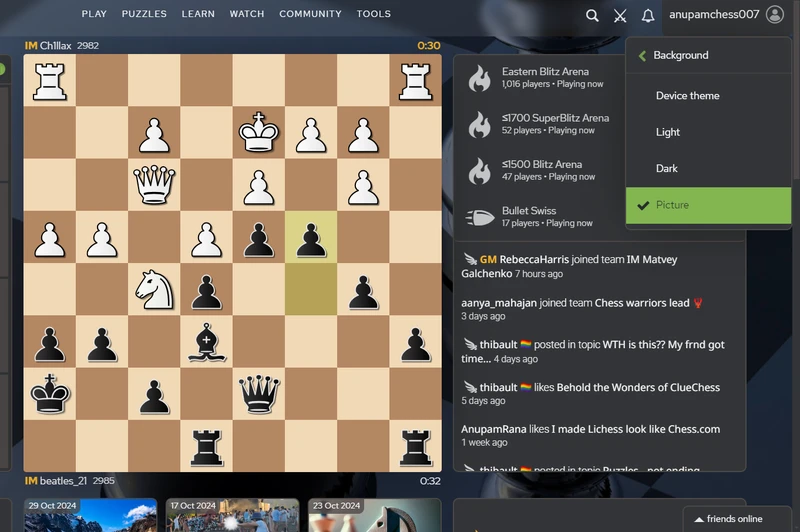
look we got no option in the prettier lichess extension to change the picture... so anyway
Change the background to Picture , not any kind of dark or light or device theme
Now the tricky part is over......now its pretty simple
change the color codes in the extension....
These are the Hexacodes of mine -
Site colors
- Primary color- #82B550
- Secondary color- #FCB62A
- Tertiary color- #E21414
- Background color- Well as we already changed the background image and set the background image to picture it does not matter but still u can pick any color
- Surface color- #333538
- Surface color hover- #4C4847
- Default white- #FEFEFF
- Text color- #FEFEFF
Board colors
- Dark square color - #B48762
- Light square color - #F1D8B5
- Last move color - #BACA45
- Premove color - #1B7CC7
- Move indicator color - #4C4847
- Primary arrow color - #EAB03C
- Secondary arrow color - #4B7398
- tertiary arrow color - #F35C45
- Alternate arrow color - #A3C258
And then set the chess piece set as Cardinal or you can choose anything you want.....but let me tell you Cardinal chess set on this brown board looks Elegant!!
maybe these images may look dull but I can assure you they will look great if u customise just as I tell...